In the immersive and captivating world of Paru, the Mythical Beast, players have been grappling with an issue concerning the pet breeding feature, specifically the display of designated mating pairs in English. This widespread concern has led to a quest for a clear and concise solution that non-native speakers can easily understand. The quest for clarity has finally reached a breakthrough, as a definitive method to resolve this matter has emerged, enabling enthusiasts to navigate the complex process of pet crossbreeding with precision and ease in the global context. In the following paragraphs, we delve into the details of this much-needed resolution, outlining the step-by-step approach to ensuring smooth and accurate English communication within the game's pet breeding system.
1、首先玩家在电脑里进入游戏的设置文件夹里。
2、文件夹的位置在Users\Administrator\AppData\Roaming\Goldberg steamEmu Saves\settings。
3、打开文件里的【language.txt】文件。
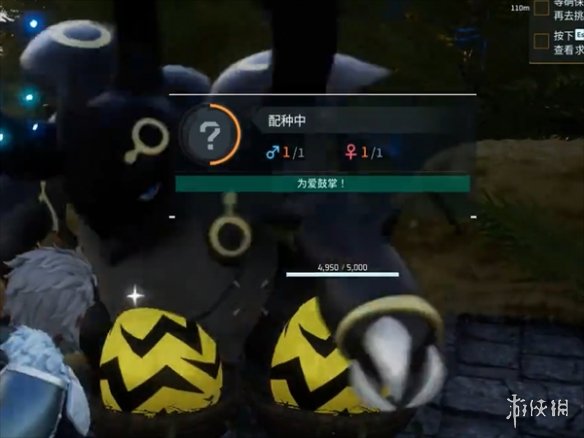
4、最后把里面的内容修改为schinese就可以了。
5、这样玩家在进入游戏显示的就是中文了。
相关推荐:帕鲁之魂效率刷方法
 近期热点
近期热点 最新攻略
最新攻略